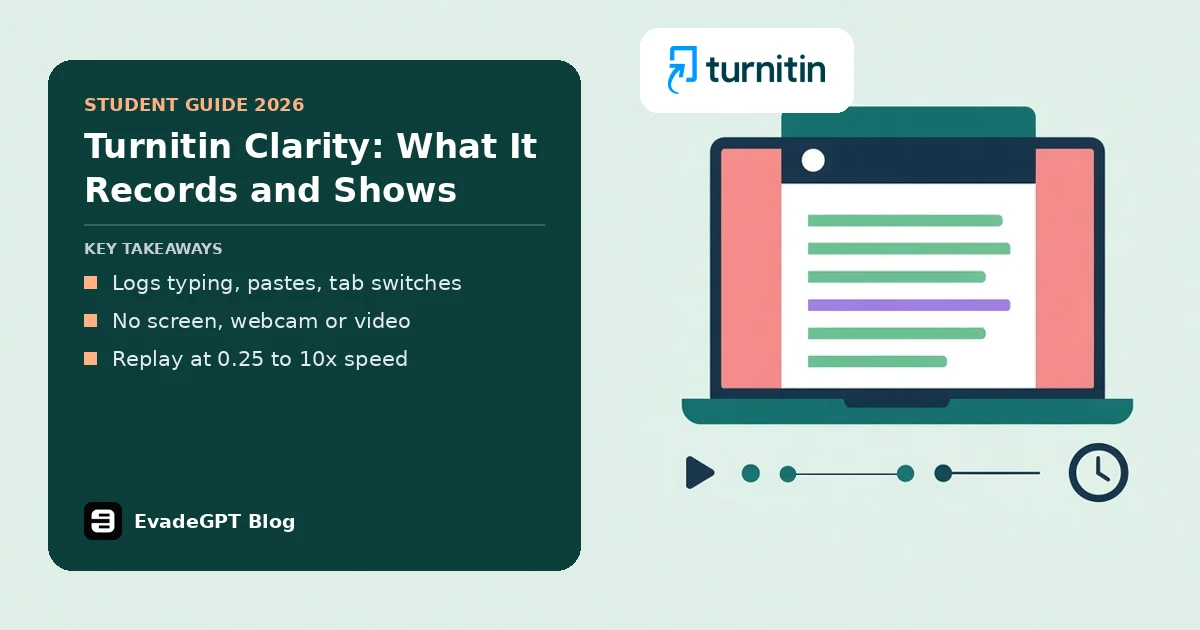
Short answer: Turnitin Clarity is a browser writing space that logs typing, deletions, pastes, tab switches, window focus and automatic snapshots, then gives your instructor a Writing Report with a replay at 0.25 to 10 times speed. It doesn't record your screen, webcam or video.
If your instructor has set a Turnitin Clarity assignment, you've probably wondered if it's watching you. I read Turnitin's guides, release notes and AI detection FAQ on 21 November 2026, plus UCLA's pilot page. I haven't used a Clarity account myself, so this is what the documents say.
What does Turnitin Clarity record?
Turnitin Clarity is a writing space where you draft and submit in your browser, and Turnitin calls the visible process your "proof of process". It supports the latest and one previous version of 4 browsers: Chrome, Firefox, Safari and Edge.
Turnitin's student FAQ groups the capture into 2 groups: modifications to the text, and your level of activeness. Your instructor controls the AI assistant and student report access.
| Captured in the writing space | Not captured |
|---|---|
| Insertions, deletions and revisions | Your screen, webcam or video |
| Pastes, copies and cuts | What you do in other tabs or apps |
| Active, engaged and inactive time | Live supervision |
| Tab switches, window focus, snapshots | Work written elsewhere and never typed in |
Turnitin says switching tabs is captured, but "your activity outside of the writing environment itself is not captured". It knows you left. It doesn't know where you went.
Does Clarity record your screen or webcam?
On whether Turnitin Clarity watches your screen, Turnitin's answer takes 2 sentences, and it's a no. The writing space "is not a proctoring environment", and your assignment isn't "actively monitored, supervised, or recorded on video". UCLA's pilot syllabus wording agrees: Clarity doesn't monitor anything you do outside the writing space.
My reading: "not recorded" isn't "not seen". Nobody watches live, but an instructor can replay the finished document. You aren't filmed. Your writing is replayable.
What does a Turnitin Clarity Writing Report show?
A Turnitin Clarity Writing Report gives instructors flags, observations, pasted text findings and a playback. Two paste flags have set thresholds: pasted words above 50% of the final word count, or above 40% of all words added. Students see the report only if the instructor allows it.
| Part | What an instructor sees | What it can't tell them |
|---|---|---|
| Flags | Unusual writing time or revision effort, heavy pasting | Why you wrote that way |
| Observations | Word count, writing time, sessions, a cohort average once 3 students submit | Which ideas were yours |
| Pasted text findings | Each outside paste, marked "Unchanged" or "Changed", with matched sources | The origin, if no source is found |
| Playback | Your active writing, replayed | What you did while you were away |
The same guide says flags "surface potential integrity concerns". My reading is that this is a prompt for a conversation rather than a verdict. Playback marks additions in green, deletions with a green strikethrough and pastes with a purple underline, and timestamps since 12 August 2026 show time away.
How is Clarity different from the AI writing indicator?
Turnitin says the AI writing indicator skips lists, headers, references and tables, and doesn't process a document with under 300 words of qualifying sentences. Turnitin Clarity records how the document grew instead, and UCLA's wording says it doesn't detect AI writing itself. One is a score on finished prose; the other is a process record.
If your institution has the Originality add-on with AI writing detection, a pasted block of 300 or more words can show AI results on its paste card. Turnitin adds that these cards reflect the moment of the paste, so a later rewrite can change the final report. Complete results sit in the AI Writing tab.
See how AI detectors work, and if a score has already hurt you, this Turnitin false positive guide is the place to begin.
What should you do before your first Clarity assignment?
Check the rules first, because Turnitin says course and institution policies on AI differ. Its FAQ also advises citing assistant content you keep and keeping most of the work your own thinking. For your first Turnitin Clarity assignment, these 6 steps cover it.
- Ask your instructor whether the AI assistant is switched on, and what the course allows.
- Write in the space from line one.
- Cite any assistant text you keep, and say how you used it.
- Stay online, because the editor freezes offline to protect your work.
- Preview before you submit.
- Wait for the Saved indicator before you close the tab.
Pasting a long quoted source creates a paste finding, so an odd flag can be innocent. Keep your own evidence too: showing the work is yours explains what counts. Grammarly Authorship is a similar process record, and can Canvas detect AI covers what Canvas adds.
Worried a flag will misread your honest writing? Try EvadeGPT first
A paste flag trips when pasted words pass 50% of the final word count, or 40% of all words added. Honest writers still lose sleep over a pasted quote or a stiff, robotic draft, but typing your own work in the writing space is the straight route, and nothing here is a way around it.
For everything else you write, EvadeGPT can check a draft before you submit. Its AI detector shows which sentences in your drafts still sound machine-made. The EvadeGPT humanizer runs on our custom-trained model and rewrites stiff sentences from your own draft, leaving names and terms intact. EVE chat helps you research before you type. Try it on your next essay.
FAQ
Does Turnitin Clarity detect AI?
Not by itself. UCLA's wording says it doesn't. With the Originality add-on, paste cards can show AI results for 300-word blocks, and complete results sit in the AI Writing tab.
Can students see their own Writing Report?
Only if the instructor turns on student access. The student guide lists 3 parts: observations, AI chat activity and playback.
Can I use Turnitin Clarity offline or on my phone?
There's no offline editing; the editor freezes if you disconnect. Since 9 September 2026 you can write on phone-sized screens.
Can Turnitin's AI assistant write my assignment?
No. Turnitin says it can help you refine your work and brainstorm, not write the whole assignment. Your instructor must enable it, with up to 250 messages.
Can I work on more than one device or tab?
Turnitin recommends one active tab; several tabs may take a moment to sync, and several devices risk data loss.