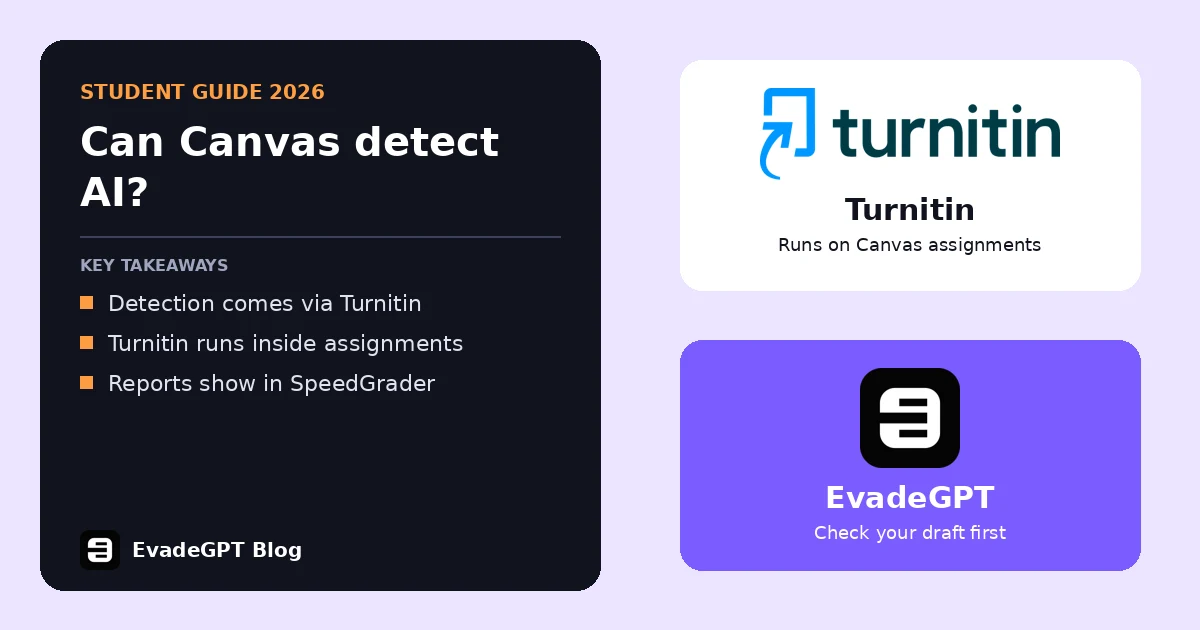
Short answer: Can Canvas detect AI on its own? No. Canvas has no built-in AI detector. Your school can connect Turnitin, and since the 21 February 2026 release a tool called the Document Processor can return Turnitin's AI report inside Canvas. Whether that is on depends on your school.
Can Canvas detect AI by itself?
No. Canvas does not run its own AI writing checks, and AI scores come from a connected tool. Instructure's Document Processor FAQ describes tools that pick up a submission, run a service like AI detection and send 1 or more reports back.
So the honest answer to "can Canvas detect AI" is that it depends on your school's setup. Your school might connect Turnitin through the older Canvas Plagiarism Framework or the newer Document Processor. It might also connect nothing at all.
How does Turnitin connect to Canvas?
Turnitin connects in 2 main ways, and both can include AI checks. Turnitin's Canvas update says "Similarity and AI writing detection continue to run directly on native Canvas assignments" when schools move from the Plagiarism Framework to the Document Processor.
The Document Processor is opt-in. Instructure's FAQ says "No, it is disabled by default", so an admin has to switch it on. The 21 February 2026 release notes add: "Currently, Turnitin and Packback are the only supported document processing tools."
What will you see if your school turns it on?
Does Canvas detect AI on every assignment? Only where your school added a tool, and you may see the report yourself. The 21 February 2026 release notes say "Resulting reports are available to instructors in SpeedGrader and to students on the assignment or grades page". Check the assignment page after you submit.
Turnitin's AI Writing Report guide also sets limits. A file needs at least 300 words of prose to get a score. Scores under 20% show an asterisk instead of a number. Bullet lists, tables and code are not reliably scored.
Can Canvas detect AI in quizzes and discussions?
Mostly no, based on what Instructure has published. As of the 21 February 2026 release, the Document Processor works in Canvas Assignments only, and Instructure says support for graded Discussions will come in a future release. Short answers under 300 words get no score.
Instructure's notes do not list quizzes as supported, so quiz answers are unlikely to get an AI score through the Document Processor. A missing AI score does not mean anything goes. Your teacher can still read your answers, compare them with your class work and ask you about them.
What if Canvas flags your essay as AI?
Stay calm and gather your process evidence, because a score is not a verdict. Turnitin's guide says its AI score "should not be used as the sole basis for adverse actions against a student". A Springer study found none of 14 detectors above 80% accuracy.
Version history in Google Docs or Word helps. So does Grammarly Authorship, which Grammarly says you can enable in "Canvas LMS submissions" (Grammarly). Turn it on before you start writing. For more on false flags, see our Turnitin false positive guide and our AI detector comparison.
FAQ
Can Canvas detect AI without Turnitin?
No. Canvas has no built-in AI detector. AI scores come from a connected tool such as Turnitin, and your school decides whether to switch it on.
Can students see the Turnitin AI report in Canvas?
Sometimes. Canvas release notes say Document Processor reports are available to students on the assignment or grades page, depending on how your school sets it up.
Can Canvas detect AI in discussion posts?
Not through the Document Processor yet. Instructure says it works in Assignments only, with graded Discussions support planned for a future release.
Can a teacher fail me on a Canvas AI score alone?
Turnitin says its AI score should not be the sole basis for adverse action against a student. Keep your drafts and version history ready.
Can Canvas detect AI in quizzes?
Not through the Document Processor. Instructure's notes do not list quizzes as supported, and it works in Assignments only.