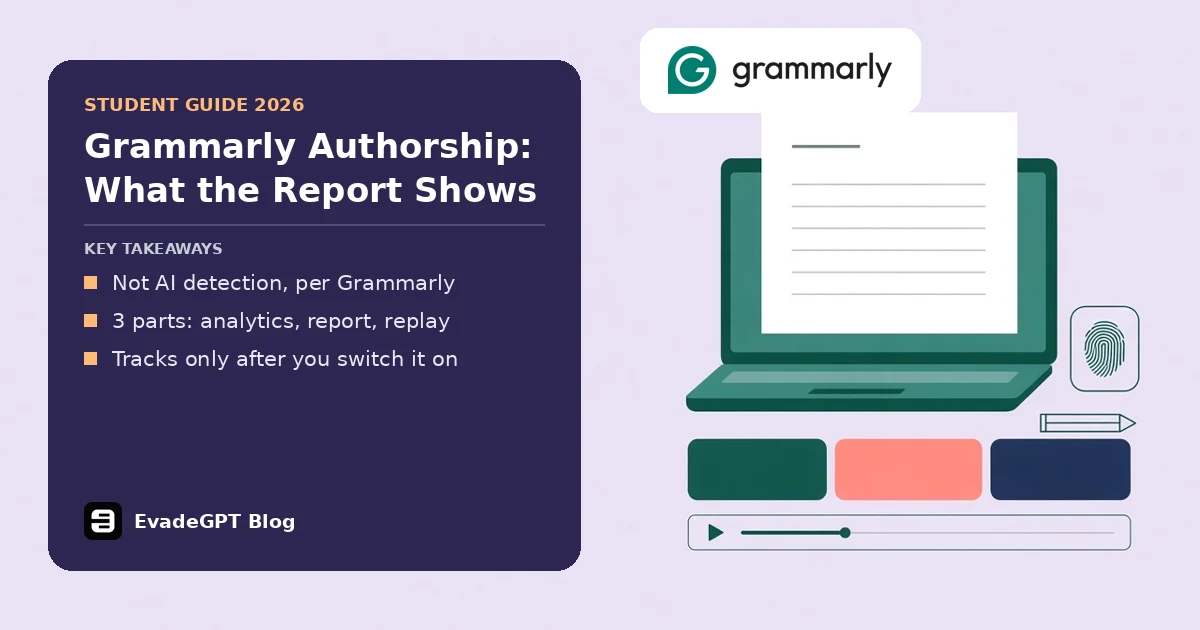
Short answer: Grammarly Authorship records how a document was written and where pasted text came from, in a report with 3 parts. Grammarly distinguishes that tracking from AI detection, and it only tracks from when you switch it on. Some reports include an AI and plagiarism check.
If a teacher has asked for a Grammarly Authorship report, or you hope one could protect you from a false flag, here's what it does. I read Grammarly's support and blog pages on 20 November 2026, along with its release notes and two institution guides.
What is Grammarly Authorship, and how does it work?
Grammarly Authorship sorts text by origin as it lands in your document. It runs in 3 writing apps: Google Docs, Microsoft Word and Grammarly's own docs editor. Its categories include typed text, pasted text from known or unknown sources, and AI-generated or rephrased text.
Grammarly is blunt about what it isn't: "Authorship isn't a form of AI detection." The University of Westminster's library guide agrees it's about the text's source, not its content.
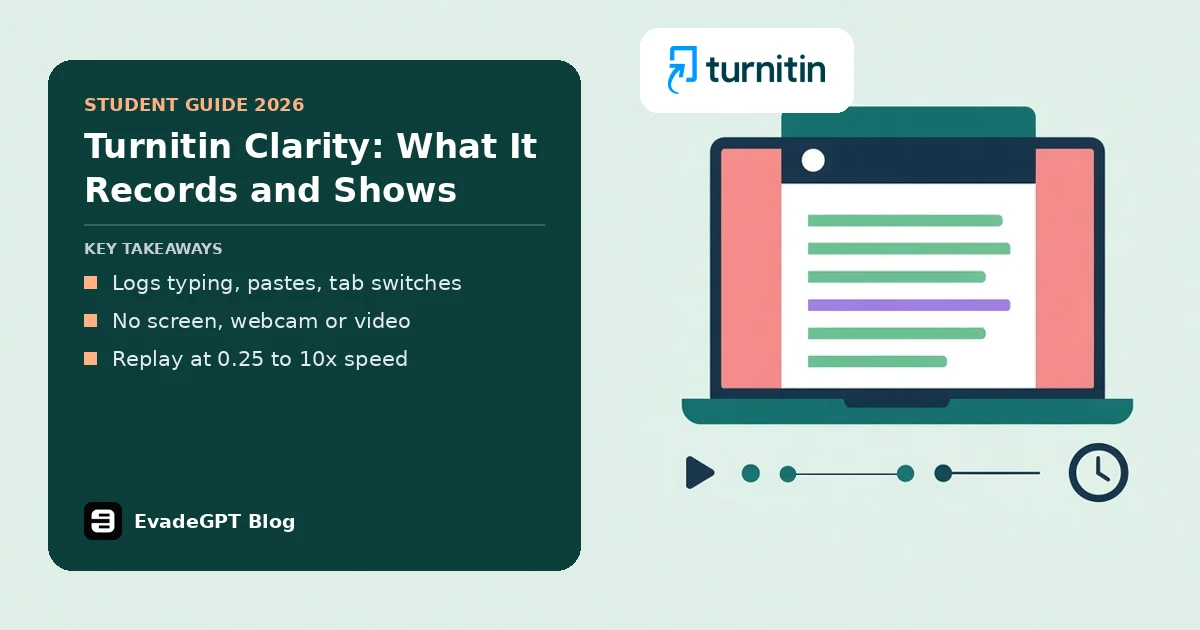
Turnitin has a similar process record for assignments set inside its own editor; see what Turnitin Clarity records.
It needs clipboard access to name pasted sources. In Google Docs and Word you switch tracking on, and Grammarly says doing nothing in Word means nothing is tracked. In its own docs editor it runs automatically.
What does the report actually show a reader?
The report has 3 parts: analytics, a colour-coded copy of your text, and a replay. Analytics split text into human-typed and sourced, and count writing time and sessions, which end after 10 idle minutes. The replay shows typing, deleting and your AI prompts; some accounts also see website names.
| Part | What a reader sees | What it can't show |
|---|---|---|
| Analytics | Human-typed versus sourced text, time, sessions | Whether the ideas were yours |
| Report | Your full text, colour-coded by source | Text from places Grammarly can't see, labelled "Copied from an unknown source" |
| Replay | Typing, deleting and AI prompts; website names on some accounts | Anything before tracking started or outside the document body |
You can preview the report before sharing and exclude the replay.
What can't a Grammarly Authorship report prove?
A report proves where text entered a document, not who thought of it. Grammarly's support page says it "may not capture 100% of cases accurately", citing fast typing, desktop pastes and new AI tools. In Word, "the tracked history may become unreliable" past a 20-page limit.
My reading: typed text is recorded as typed, so the report can't say whose ideas you typed. Grammarly's own faculty guide says faculty shouldn't treat the data as a single deciding factor for grading or academic integrity referrals.
It only works forwards: Grammarly's Canvas guide says recording starts when you switch it on, so last month's draft has no report. If you're facing a flag now, see our guide to showing the work is yours.
How does it sit next to an AI detector score?
They answer 2 different questions. A detector estimates how much of a text looks machine-written, and our explainer on how detectors score text covers the limits. Grammarly Authorship records the process while you write. Grammarly offers a separate detector too, covered in our Grammarly AI detector review.
Grammarly says the tracking itself isn't AI detection. It labels spelling and clarity edits separately from AI rephrasing. Some accounts also see an AI and plagiarism check in the report. Whether a detector flags edited text is another matter, which does Turnitin flag Grammarly covers; if a score has already gone against you, start with our Turnitin false positive guide.
How do you get a Grammarly authorship report?
Turn tracking on before you type, because Grammarly Authorship only records from that moment. Grammarly's Canvas guide has 3 steps, from turning tracking on to submitting a share link. The guide also says to allow clipboard access; without it, pasted text is labelled as coming from an unknown source.
- Open a new Google Doc or Word document.
- Click the thumbprint icon at lower left and select Track writing activity. It turns green when on.
- Allow clipboard access when Grammarly asks.
- Write as normal.
- Select See report and review it; fix gaps such as missing citations.
- Click Share and choose "Anyone with the link". Copy the link with or without the replay.
Flagged for work you wrote yourself? Try EvadeGPT before you submit
Authorship shows how you worked, but it can't undo a detector flag or rescue a draft you finished 3 weeks ago with tracking off. If honest work keeps getting flagged or a stiff draft reads robotic, you need a check before you submit, not a record after.
EvadeGPT's AI detector highlights the sentences that still read as AI, and the EvadeGPT humanizer uses our custom-trained model to smooth stiff lines while keeping your names and key terms. EVE chat handles research. Keep Grammarly Authorship on for the paper trail. Then just tap the button and try EvadeGPT on your next draft.
FAQ
Does Grammarly Authorship detect AI?
It categorises where text came from as you write, rather than scoring the finished page. Depending on your account, the report can also include an AI and plagiarism check.
Will I get flagged for AI if I use Grammarly?
The tracking itself isn't a detector, but some accounts' reports can mark possibly AI-generated text. A separate detector may still score Grammarly-edited text.
Can a teacher see my Grammarly Authorship report?
Only if you share it. Grammarly says no one else can see the data unless you generate a report.
Is tracking switched on by default?
Not in Google Docs or Word: nothing is tracked until you turn it on. In Grammarly's own docs editor it runs automatically.
Does it work on text pasted from other apps?
Partly. With clipboard access, some accounts see named browser sources, and in Word desktop ones too. Anything else is labelled "Copied from an unknown source".