
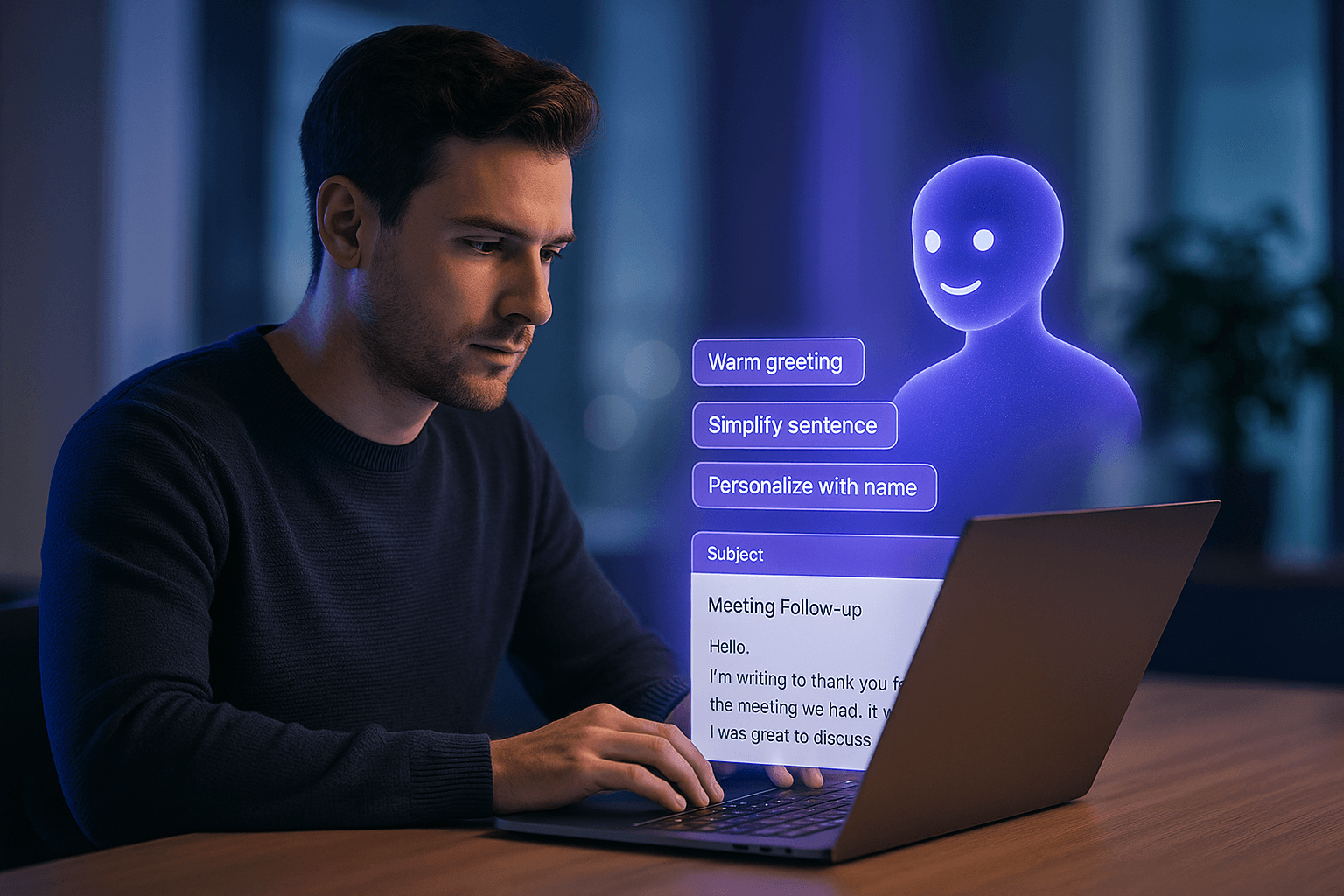
Why AI-Generated Emails Often Feel Cold or Robotic
You open an email that starts with "I hope this message finds you well." Immediate red flag-it's either AI-generated or written by someone who hasn't updated their email template since 2015. Either way, it's going straight to the delete folder.
AI tools like ChatGPT can draft emails in seconds, but they default to corporate-speak that sounds like HR wrote it after reviewing it with three layers of legal compliance. The result? Emails that are technically correct but completely devoid of personality, warmth, or persuasive power.
Understanding why AI emails fail is the first step to fixing them.
The Three Fatal Flaws of AI Email Writing
AI-generated emails have specific problems that go beyond general robotic language. These three issues appear consistently across ChatGPT, Claude, and other AI writing tools:
1. The Formality Death Spiral
AI defaults to maximum formality because its training data includes mountains of professional correspondence. But modern business communication has evolved. We're less formal than we were even five years ago. AI hasn't caught up.
Result: emails that sound like they're from 2005, when business writing was stiffer. Recipients unconsciously register this as outdated or inauthentic.
2. Generic Opener Syndrome
Every AI email starts the same way. "I hope this email finds you well." "I'm reaching out to..." "Per our last conversation..." These phrases are so overused they've become invisible-or worse, annoying.
The problem isn't just that they're boring. It's that they waste precious attention. The first sentence of an email determines whether someone keeps reading. AI burns that opportunity on meaningless pleasantries.
3. The Missing Human Rhythm
Natural writing has flow. It has pauses, small asides, and phrasing that sounds like real speech. AI doesn't always get that.
Compare these two:
AI: "Kindly confirm receipt of the attached materials."
Human: "Let me know if the doc came through all right."
Same intent, totally different vibe.
What Makes Walter Writes AI Different from Other Tools
Most rewriting tools just paraphrase. They switch out words, rephrase a sentence or two, and call it a day. Walter Writes AI goes deeper. It rewrites your draft to actually feel like it came from a person, not a machine.
That means it focuses on tone, not just vocabulary. It smooths out stiff transitions, drops the overly formal phrasing, and keeps your voice front and center.
Example transformation:
AI draft: "I am writing to inquire about the status of the project deliverables."
Walter version: "Quick check-in-how are the project deliverables coming along?"
It's still professional, but it doesn't feel like it was copied from a corporate playbook.
The other thing that sets Walter apart is privacy. Your draft stays local. It is not stored, shared, or fed into future models. That makes it safe for client emails, academic messages, and anything else you want to keep private.
So instead of just cleaning up grammar, Walter reshapes your email to sound clearer, warmer, and more human without losing the point.
The Email Humanization Framework: Step-by-Step Process
Let's build a systematic approach to transforming AI drafts into effective professional emails. This framework works for any type of business communication:
Step 1: Nuke the Opening
Delete "I hope this email finds you well" and every variation thereof. Nobody talks like that. Replace with something specific and human:
-
"Hey Sarah," (if appropriate for relationship level)
-
"Quick question about the Henderson project-" (jumping straight to purpose)
-
"Following up on your LinkedIn post about remote work-" (reference to shared context)
-
"I saw you're based in Austin. I lived there 2015-2018 and loved it." (personal connection)
The goal: establish human connection or get to the point immediately. No generic pleasantries that waste everyone's time.
Step 2: Slash the Word Count
AI is verbose. Every email benefits from 30-40% word reduction. Be ruthless.
Before: "I wanted to reach out to see if you might have some time available in your schedule to discuss the possibility of collaboration on the upcoming marketing campaign."
After: "Got 15 minutes this week to discuss the marketing campaign?"
Notice what disappeared: "wanted to reach out," "might have some time available," "the possibility of." All filler. The core message remains.
Step 3: Fix the Transitions
AI loves formal connectors: "Moreover," "Furthermore," "Additionally," "However." These scream robot.
Replace them:
-
"Moreover" → "Plus" or "Also"
-
"However" → "But" or "That said"
-
"Additionally" → "And" or just start a new thought
-
"Furthermore" → Delete entirely and merge sentences
The pattern: simpler, shorter, more direct.
Step 4: Inject Specific Details
Generic emails get generic responses (or no response). Add concrete details that show you're paying attention:
Generic: "I enjoyed our recent conversation."
Specific: "I enjoyed our conversation about the challenges of scaling content production without sacrificing quality."
The specific version proves you were actually listening. It also makes the email harder to ignore.
Step 5: Use Contractions (Yes, Really)
Formal writing avoids contractions. Human speech uses them constantly. Professional emails should sound like professional speech.
Replace: "I will," "we are," "it is"
With: "I'll," "we're," "it's"
Exception: Very formal contexts (legal, some executive communication) where contractions might seem too casual. Judge by relationship and context.
Step 6: Close Like a Human
Instead of the classic "Awaiting your response," try:
-
"Looking forward to hearing your thoughts"
-
"Let me know what works best for you, I can adjust"
-
"Talk soon"
-
"Thanks for considering this"
These small tweaks do more than just soften the tone. They make your message feel real, and that makes people more likely to respond. If you are looking for a tool to automate this kind of polish, that is exactly what Walter Writes AI is built to do.
Real-World Examples: Before and After Transformations
Theory is helpful, but examples drive the point home. Here are three common email scenarios with AI-generated drafts and their humanized versions:
Example 1: Client Follow-Up
Before (AI): "Per our discussion, please find attached the requested materials. I am writing to follow up regarding the next steps in the project timeline. Should you have any questions or require further clarification, please do not hesitate to reach out."
After (Humanized): "Hey, here's the doc we talked about. Let me know if anything looks off-happy to clarify. What's your timeline looking like for next steps?"
Notice: Shorter, more conversational, asks a question that invites response.
Example 2: Cold Outreach
Before (AI): "My name is John Doe, and I'm reaching out to offer my services in digital marketing. Our company has extensive experience in helping businesses like yours achieve their marketing objectives through strategic planning and execution."
After (Humanized): "Sarah, I noticed your company just launched a new product line. We helped another e-commerce brand in your space double their launch traffic in 60 days. Mind if I share what worked?"
Why this works: Leads with value, references specific context, asks permission (lower pressure).
Example 3: Internal Team Update
Before (AI): "I am writing to inform you that the Q2 deliverables have been finalized and are ready for your review. Please advise if you require any modifications or have additional feedback."
After (Humanized): "Q2 deliverables are locked in. Take a look when you can-let me know if anything needs tweaking."
Same information, 60% fewer words, sounds like an actual person.
Common Mistakes When Humanizing AI Emails
Even with good intentions, people make predictable errors when trying to humanize AI drafts:
Mistake 1: Going Too Casual
There's a difference between conversational and unprofessional. "Yo, got that report?" is too casual for most business contexts. "Hey, I finished the report" works better.
The test: Would you say this in a face-to-face meeting with this person? If not, adjust.
Mistake 2: Overusing Exclamation Points
One exclamation point per email, maximum. Multiple exclamation points make you sound overenthusiastic or insincere. "Great idea!" works. "Great idea!!! Let's do it!!!" does not.
Mistake 3: Adding Emojis Where They Don't Belong
Emojis work in some contexts (creative industries, established relationships, internal team chat). They don't work in others (legal, finance, first contact with executives). When in doubt, leave them out.
Mistake 4: Keeping the Wrong Details
AI often includes unnecessary background or context. "As you may recall from our previous correspondence dated March 15th..." Nobody needs that. Jump to the relevant part.
Mistake 5: Forgetting to Proofread
Humanization isn't an excuse for sloppiness. Natural doesn't mean error-filled. Typos and grammar mistakes hurt credibility more than formal tone ever did.
Advanced Techniques for High-Stakes Emails
Some emails matter more than others. When the stakes are high-investor pitch, major client proposal, important networking connection-these advanced techniques help:
Mirror Their Communication Style
Before you send, look at how your recipient writes. Do they use short paragraphs or long ones? Formal language or casual? Lots of questions or mostly statements?
Match their pattern. If they write three-sentence emails, don't send five paragraphs. If they're formal, don't go too casual. This creates subconscious rapport.
Lead with the Bottom Line
Busy people appreciate directness. Put your main point or request in the first two sentences. Context can come after.
Bad: "I hope you're doing well. I wanted to follow up on our conversation last week about the marketing strategy. As you may recall, we discussed several options..."
Good: "I'd like to move forward with Option B from our marketing discussion. Here's why..."
Use the "One Thing" Rule
Each email should accomplish one primary goal. Not three. Not five. One.
If you need to address multiple topics, consider multiple emails or a clearly structured message with numbered sections.
Create a Clear Call to Action
Every email should end with what you want the recipient to do. Be specific.
Vague: "Let me know your thoughts."
Specific: "Could you review the proposal by Friday and let me know if the budget works?"
The specific version is easier to act on, which means higher response rates.
How Different Industries Should Adapt Email Tone
The right tone depends heavily on your industry. What works in tech startups falls flat in legal firms. Here's a quick guide:
Tech/Startups: Casual is fine. Use contractions, short sentences, even occasional humor. "Hey team, shipping this Friday-let me know if you hit any blockers." This works.
Finance/Legal: More formal, but not robotic. "Thanks for the update. I'll review the documents this week and circle back with questions." Balances professionalism with approachability.
Creative Industries: Personality is expected. "Love the direction on this. The color palette is chef's kiss. One question on the typography..." Shows enthusiasm without being unprofessional.
Healthcare/Government: Conservative tone is safer. "Thank you for your message. I've reviewed the patient records and will follow up with recommendations by end of week." Clear, professional, no unnecessary flourishes.
Sales/Marketing: Enthusiasm matters, but don't overdo it. "Really excited to show you what we built. Can you do a quick call this week?" Works better than "EXCITED TO CONNECT!!!"
When in doubt, err slightly more formal for first contact, then match the tone your recipient sets in their reply.
The Three-Email Test: Is Your Humanization Working?
Send three emails using your humanization approach. Then evaluate:
Test 1: Response Rate
Are you getting replies? If your response rate improves after humanizing, you're on the right track. If it drops, you may have overcorrected into too-casual territory.
Test 2: Response Quality
Are responses engaged and substantive, or short and perfunctory? Quality responses suggest your email invited genuine interaction.
Test 3: Your Comfort Level
Do these emails sound like you? If you cringe when rereading them, adjust. The goal is natural communication that reflects your actual voice, not a forced personality.
This testing process helps you calibrate the right balance for your specific context.
Frequently asked questions
How can I tell if my email sounds too AI-generated?
Key warning signs: it starts with "I hope this email finds you well," uses excessive transition words like "moreover" or "furthermore," has perfectly structured paragraphs of similar length, contains no personal references or specific details, and includes phrases like "please do not hesitate to contact me." If you wouldn't say it in a real conversation, it's too AI-like.
Is it unprofessional to use casual language in business emails?
Context matters. Internal team communication can be very casual. Client communication should be professional but warm. Cold outreach needs to balance professionalism with personality. The key: match the formality level of your recipient and err on the side of being slightly more professional than you think necessary for first contact.
How short should professional emails really be?
General guidelines: cold outreach emails should be 75 words maximum. Follow-ups can be 100-150 words. Client updates might need 200-300 words but should use bullet points for scannability. Internal updates should be as short as possible while remaining clear. If you can't explain it in 300 words, you probably need a meeting instead of an email.
Can using EvadeGPT get my emails flagged as spam?
No-EvadeGPT actually reduces spam filter risk by eliminating robotic patterns that trigger filters. Spam filters flag excessive formality, generic templates, and AI-typical phrases. Humanization removes these triggers while maintaining professionalism. Your emails become less likely to hit spam folders, not more.
Should I use different humanization approaches for different recipients?
Absolutely. The CEO who communicates in three-sentence bullets requires different treatment than the marketing director who writes conversationally. Before humanizing, look at how your recipient writes. Mirror their style: formal if they're formal, casual if they're casual. One-size-fits-all email humanization fails.